Starting Up
Warning
First of all, please make sure that you have read the KUKA LBR iiwa 14 R820 User Manual before starting up the robot.
Please follow the instructions below to power up the KUKA LBR iiwa 14 R820 robot. This instructions are based on the KUKA LBR iiwa 14 R820 User Manual.
Warning
Entering the danger zone of the robot is prohibited if the robot is in operation or ready for operation. Risk of injury!
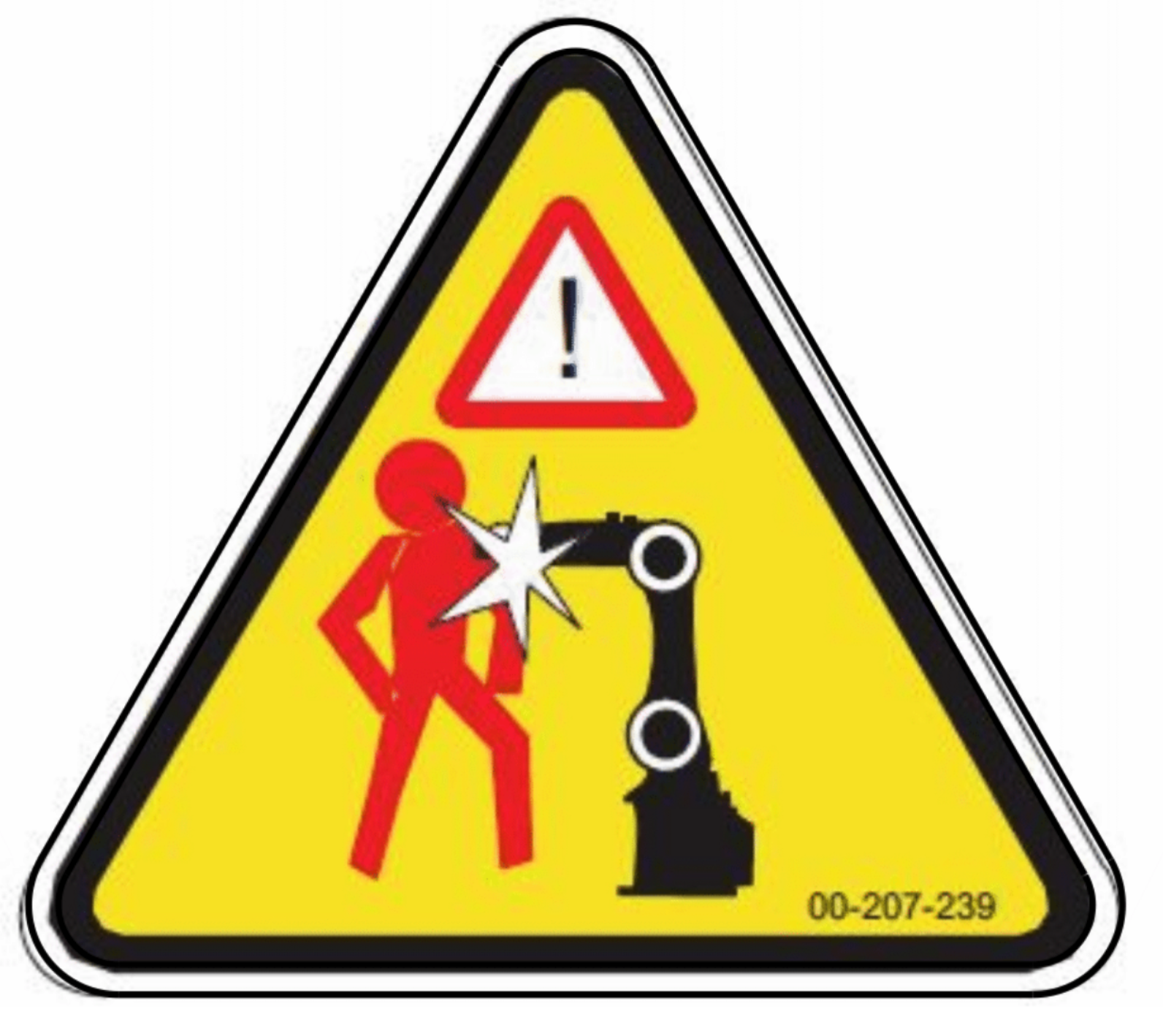
Fig. 10 KUKA LBR iiwa Danger Zone
Overview of the robot
- First of all you need to know the components of the robot system. The robot system consists of the following components (See image Fig. 11):
Arm
smartPAD (Control Panel)
KUKA Sunrise Cabinet (Controller)
Connecting cables
Software
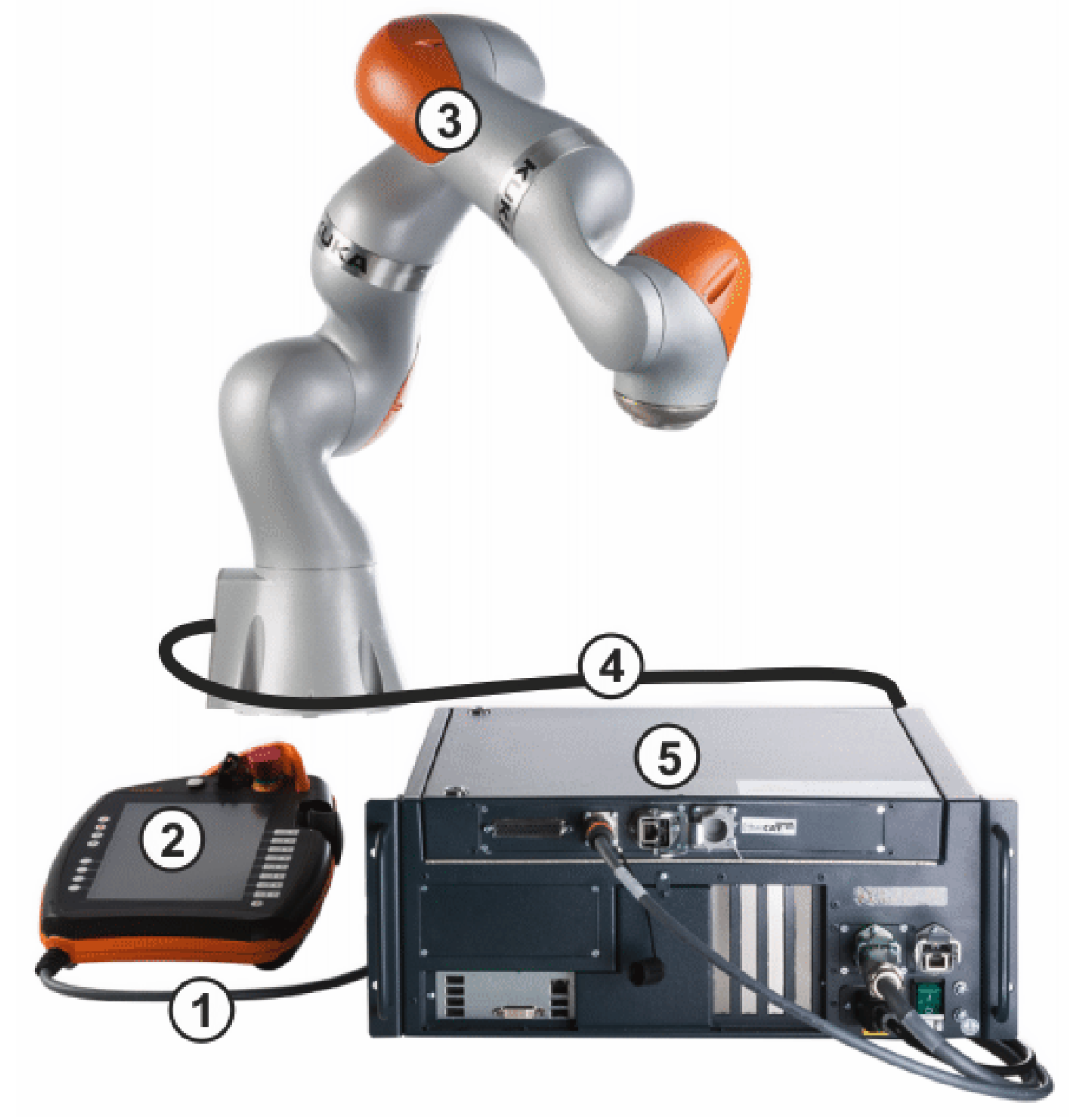
Fig. 11 KUKA LBR iiwa Components
- The details of the components are as follows:
Connecting cable to the smartPAD
KUKA smartPAD control panel
Manipulator
Connecting cable to KUKA Sunrise Cabinet robot controller
KUKA Sunrise Cabinet robot controller
Note
To have more information about the KUKA LBR iiwa 14 R820 robot, please refer to the KUKA LBR iiwa 14 R820 User Manual.
Before Starting Up
- Before starting up the robot, please make sure that the following conditions are met:
The robot is placed on a flat surface.
The robot connections are properly connected.
The robot is connected to a power source.
Warning
Please make sure that the robot is placed on a flat surface. Otherwise, the robot may fall down and cause damage to the robot system. See Fig. 12 and Fig. 13.
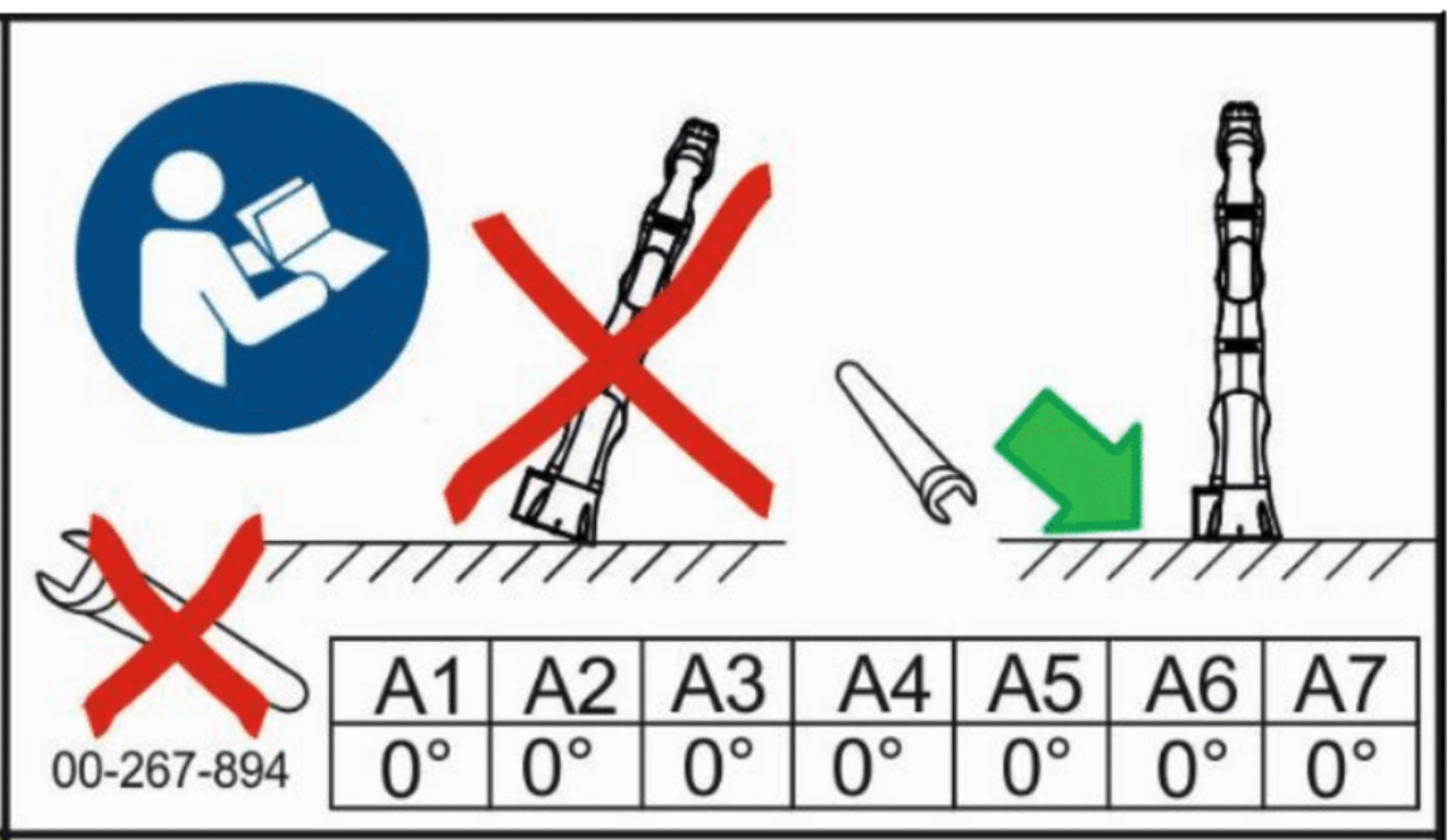
Fig. 12 KUKA LBR iiwa Positioning
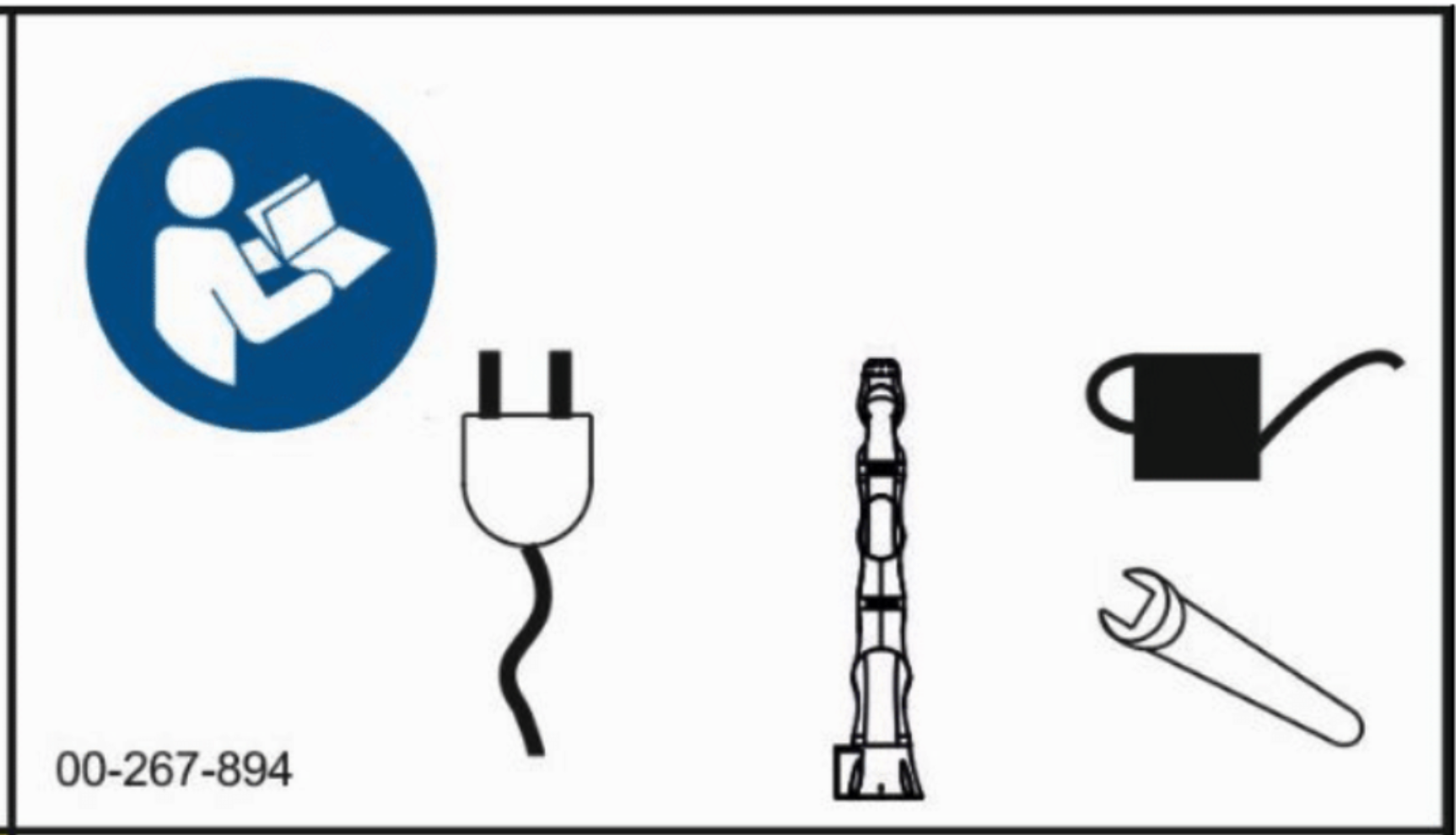
Fig. 13 KUKA LBR iiwa operating instructions
Warning
Before starting up the robot, please make sure that you are aware about the safety zones of the robot. See Fig. 14.
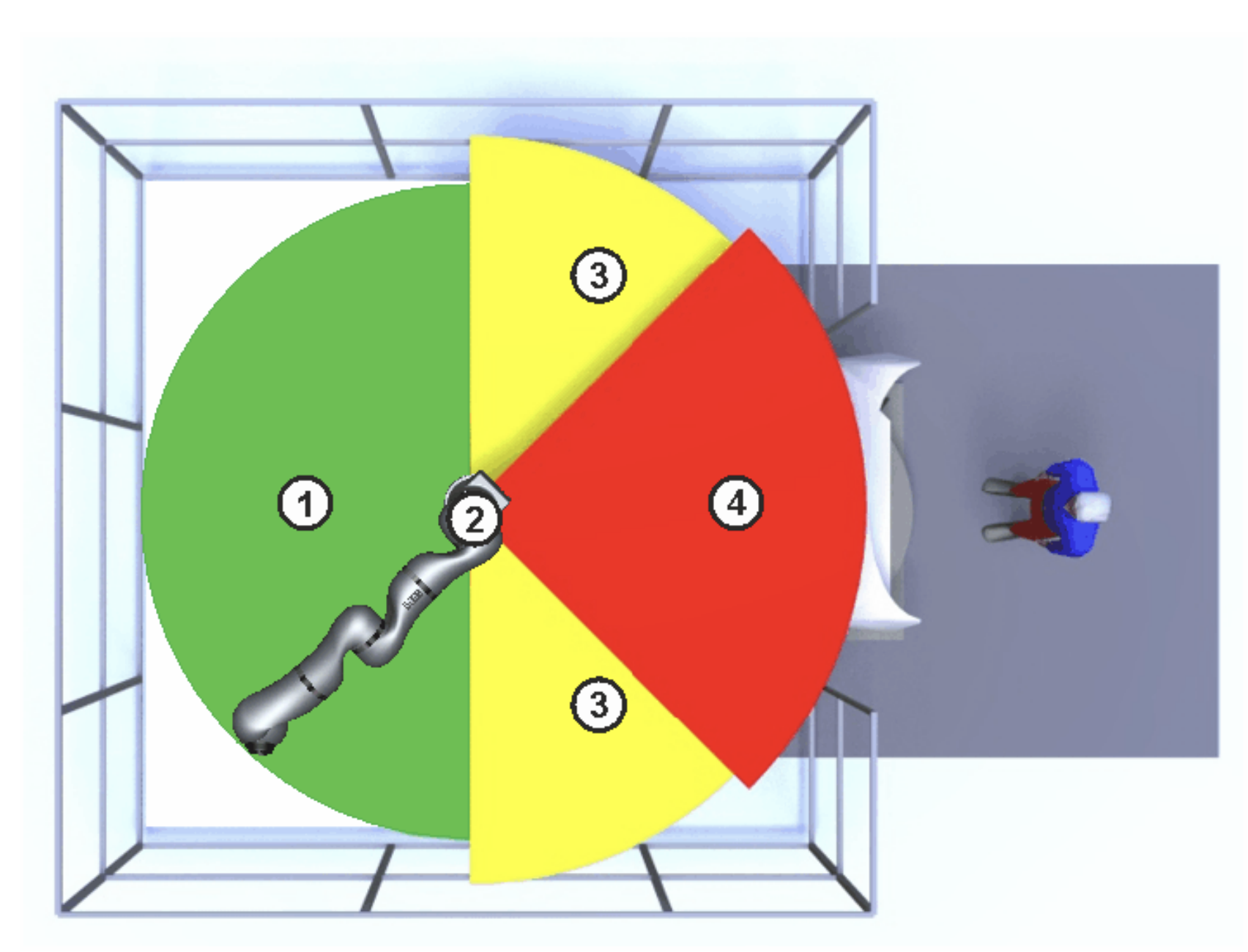
Fig. 14 KUKA LBR iiwa Safety Zones
- The zones are as follows:
Zone 1: Work Space.
Zone 2: Manipulator.
Zone 3: Stopping Distance.
Zone 4: Safety Zone.
Powering on
To power on the robot, please turn on the power supply of the robot controller (KUKA Sunrise Cabinet). The power supply is located on the back side of the robot controller. See Fig. 15.
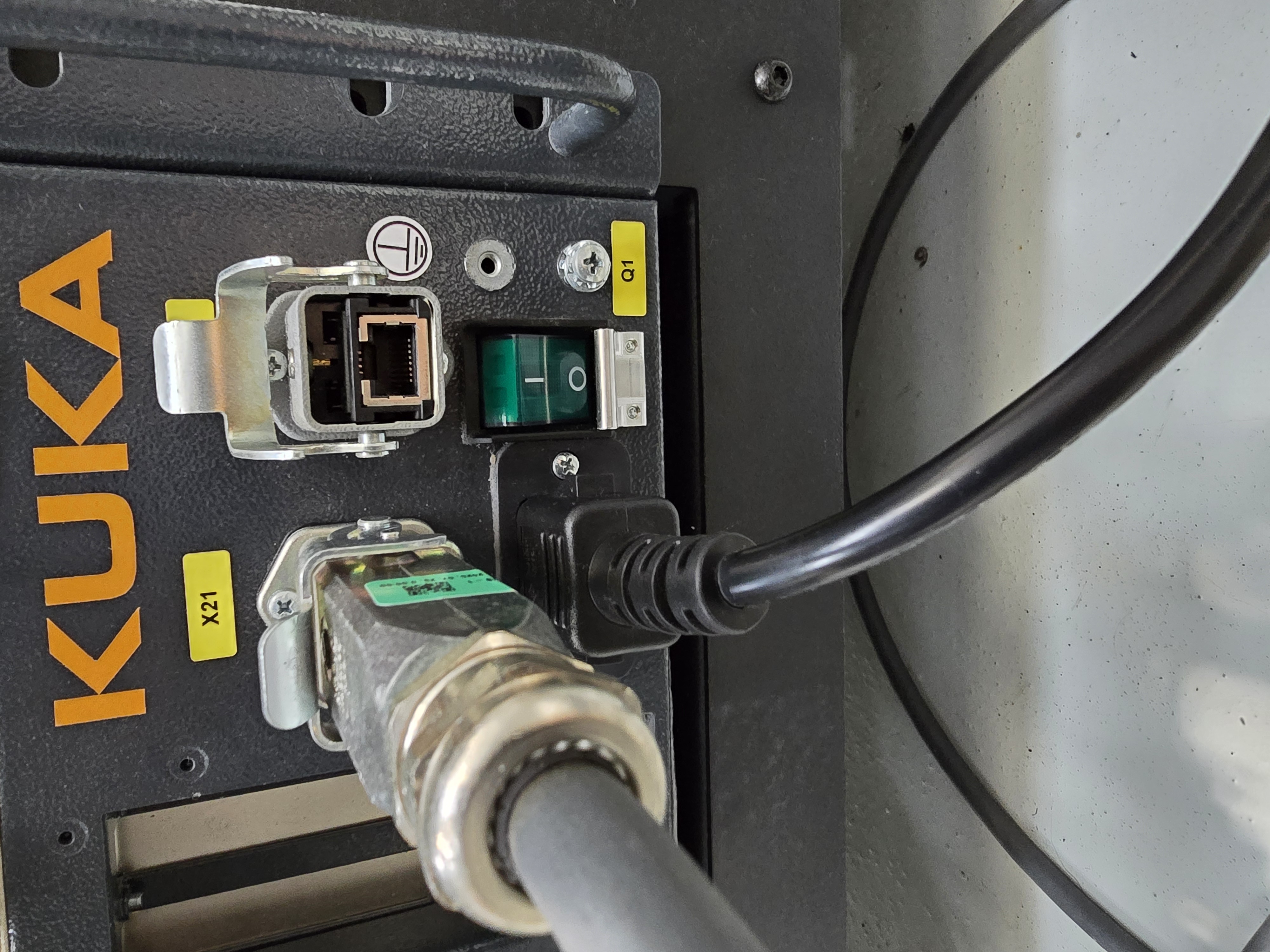
Fig. 15 KUKA LBR iiwa Power Supply
After turning on the power supply, the robot controller will start up. The robot controller will take some time to start up. After the robot controller is started up, the robot is ready for operation. During this time you will see the teach pendant go through a number of different screens including a windows startup screen before being ready to go. See Fig. 16.
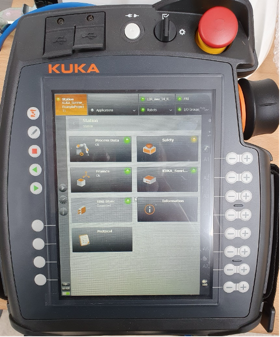
Fig. 16 KUKA LBR iiwa Startup