Haption Starting Up
The Haption Virtuose 6D TAO is connected to the computer via Ethernet cable. To start the Haption device, the following steps are required:
Turn on the Haption device using the power button on the Power Box.
Power on control PC. The power button on front right, see Fig. 212.
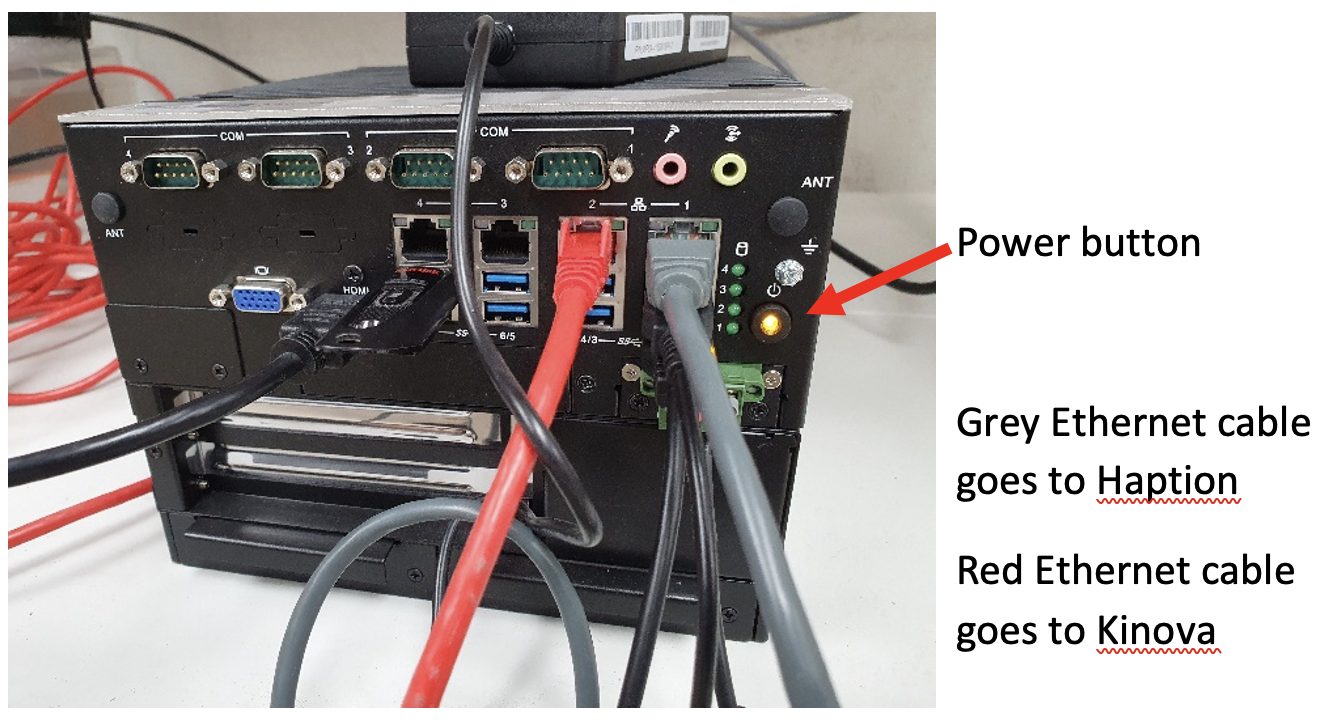
Fig. 212 Haption Startup
Log in as
guestwith passwordguest.Double click the TeleRobotics Extender icon on the desktop to open the user interface.
Log in with username
adminand passwordtrex.Under the configuration tab, press the
green runbutton for the manipulator you want to control.Will have screen in figure Fig. 213, showing both the Haption and the robot manipulator, on the bottom left you can change the force factor and movement scale, on the right you can select which information is plotted.
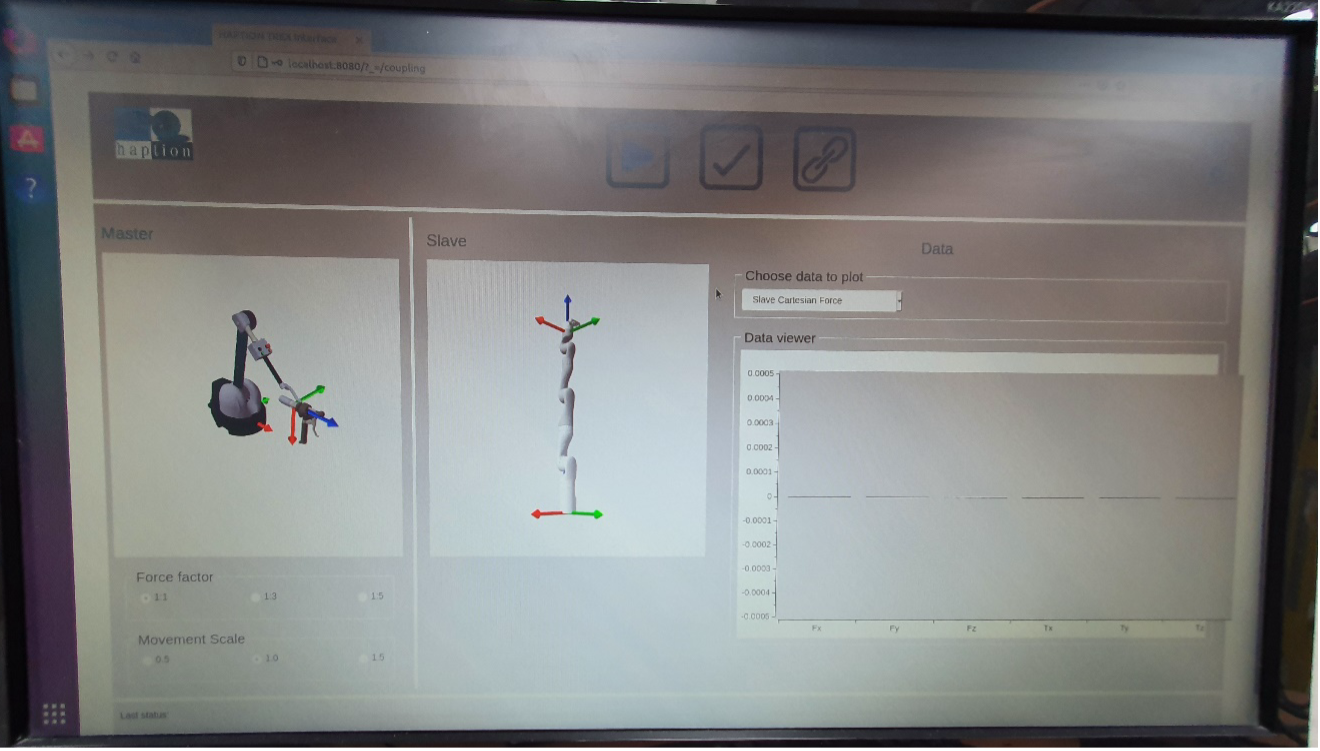
Fig. 213 Haption Software Interface