Haption Calibration
To calibration of the Haption Virtuose 6D TAO, the following steps are required:
Note
First, make sure the Haption Virtuose 6D TAO is connected to the computer and the Haption software is running. Check Haption Starting Up.
Press the
Playbutton. It will ask you to calibrate the Haption device.Insert the two prongs on the end of the handle into the corresponding slots on the base of the device, see Fig. 214. Push in until the calibrate message goes away.
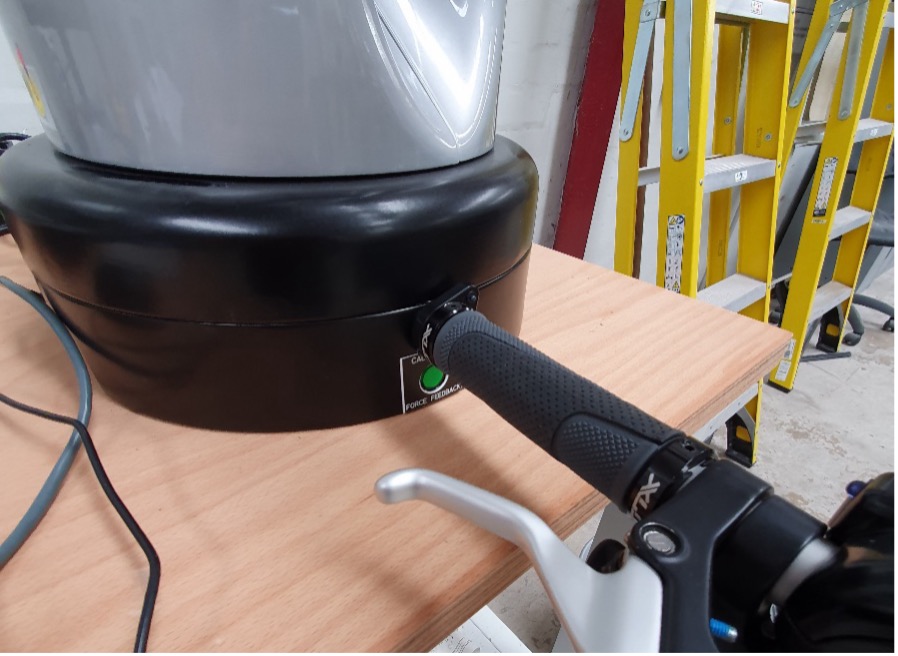
Fig. 214 Haption Calibration Position